· Giraffe
Product photos for Singapore Shopify stores
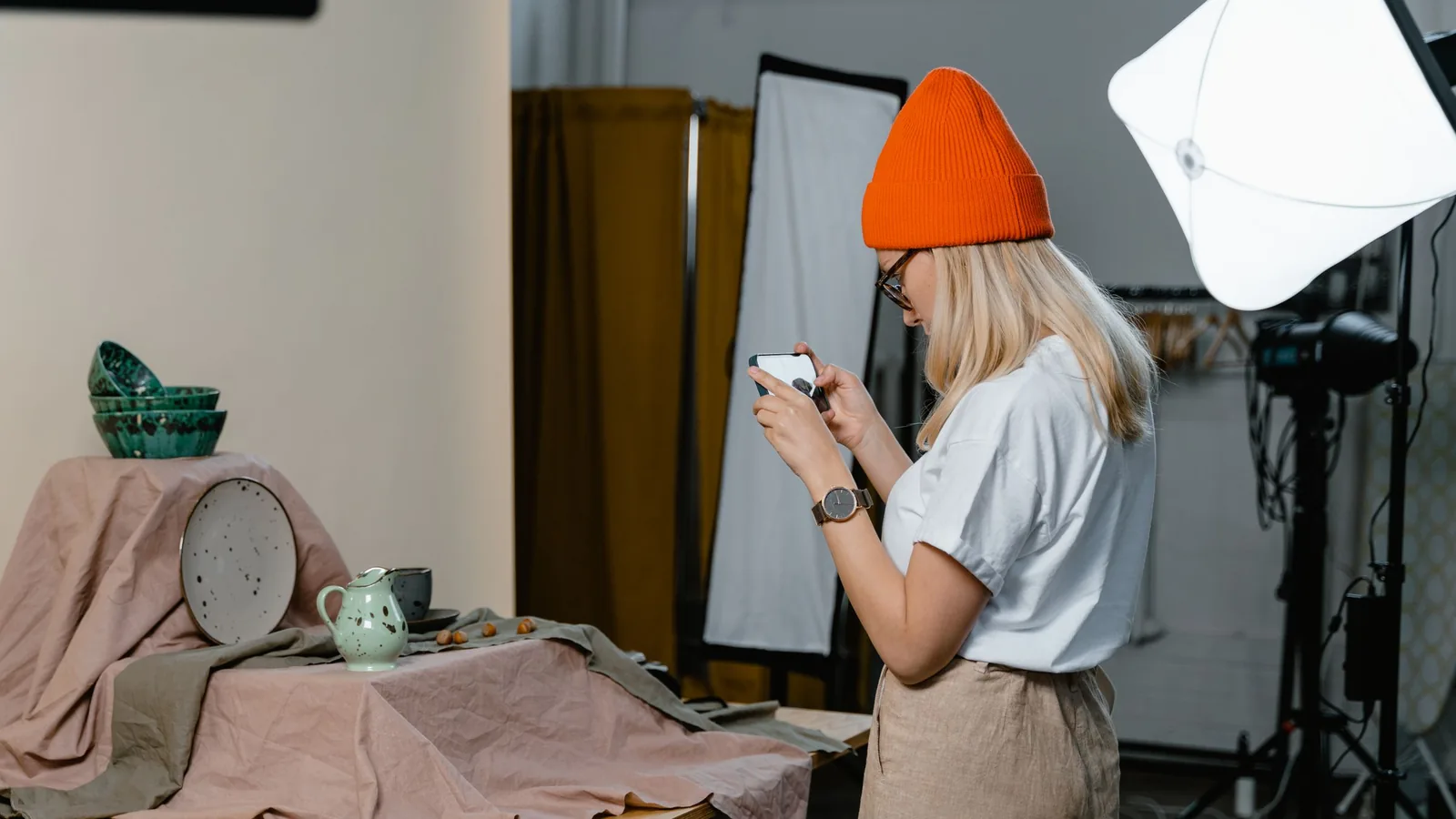
Shoppers can't touch your products, so photos do the selling. Good images also matter for Google Shopping and image search. This guide covers Shopify's image specs, a simple home setup and the rules Google applies to product photos.
Shopify image specs
From Shopify's product media page, developer docs and file upload page:
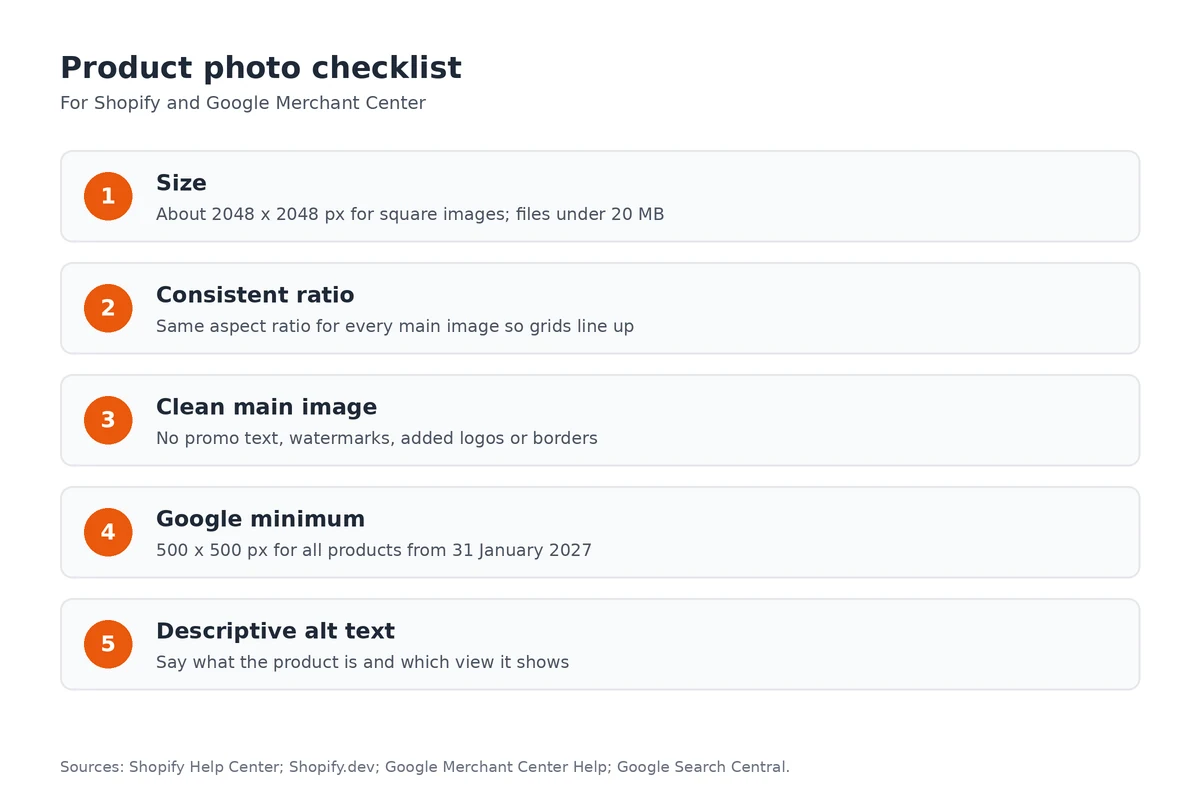
- 2048 x 2048 px usually displays best for square images.
- Files must be under 20 MB. Shopify's pages quote pixel limits between 20 and 25 megapixels depending on the upload route, so staying around 2048 px avoids problems.
- JPEG, PNG and WebP all work. Shopify serves the best format each browser supports and creates smaller sizes automatically.
- Avoid file names ending in words like "small", "medium" or "large", which the CDN can read as resize requests.
Keep the aspect ratio consistent
Shopify notes that images with different aspect ratios display at different sizes on collection pages. Pick one ratio, square (1:1) or portrait (4:5), and use it for every main image. Keep the product centred with similar margins, so your grid looks tidy. Your theme decides how images are cropped; see our theme guide.
A simple setup at home
- Light: a window with indirect daylight. In Singapore, avoid harsh midday sun; morning or late afternoon is softer.
- Background: white or light grey card curved up behind the product.
- Steady phone: a cheap tripod and the timer to avoid blur.
- Shot list: front, back, detail, scale (in a hand or worn) and one lifestyle shot.
- Humidity: wipe lenses and glossy packaging before shooting.
Google's rules for product images
If you run Google Shopping ads or free listings, Google Merchant Center checks your main image (image link rules, product data specification):
- Show the exact product clearly. No placeholders or generic images.
- No promotional text, prices, "free delivery" labels, watermarks, added logos or borders.
- Minimum size until 31 January 2027: 100 x 100 px, or 250 x 250 px for clothing. From then on, 500 x 500 px for all products (Google).
Put sale messages in banners on your store instead. See our Google Shopping guide.
Alt text and image SEO
Google's image SEO guide recommends descriptive alt text and file names, and high-quality images near relevant text. Write alt text like "Navy linen shirt, front view" rather than "IMG_2041". It also helps shoppers using screen readers. More in our product pages guide.
Save time with automation
Once photos are uploaded, a Shopify Flow workflow can tag or publish new products automatically; see our Shopify Flow guide.
Frequently asked questions
What size should Shopify product images be?
Shopify says 2048 x 2048 px usually displays best for square product images. Files must be under 20 MB, and Shopify automatically creates smaller versions for your theme.
Why do my collection images look uneven?
Images with different aspect ratios display at different sizes side by side. Use the same aspect ratio for every main product image.
Can I put sale text on my main product image?
Avoid it if you advertise on Google. Merchant Center disapproves main images with promotional text, watermarks, added logos or borders.
What minimum size does Google Merchant Center need?
Until 31 January 2027, at least 100 x 100 px, or 250 x 250 px for clothing. From 31 January 2027 Google requires at least 500 x 500 px for all product images.
Ready to put your photos to work? Start a Shopify trial and upload your first product images to see how your theme displays them.
References
Rules, features and fees change, so check the live page before you act on anything here.
- Product media types, Shopify Help Center. Accessed 26 October 2026.
- Manage media for products and collections, Shopify.dev. Accessed 26 October 2026.
- Uploading and managing files, Shopify Help Center. Accessed 26 October 2026.
- Image link [image_link], Google Merchant Center Help. Accessed 26 October 2026.
- Product data specification, Google Merchant Center Help. Accessed 26 October 2026.
- How to fix: Image too small, Google Merchant Center Help. Accessed 26 October 2026.
- Google image SEO best practices, Google Search Central. Accessed 26 October 2026.